
Product Visibility. The right products for the right people.
Show or hide products and categories by department, venue, job role, team or individual user. Give everyone a catalogue relevant to them, while keeping control of who can order what.
One portal. A tailored catalogue.
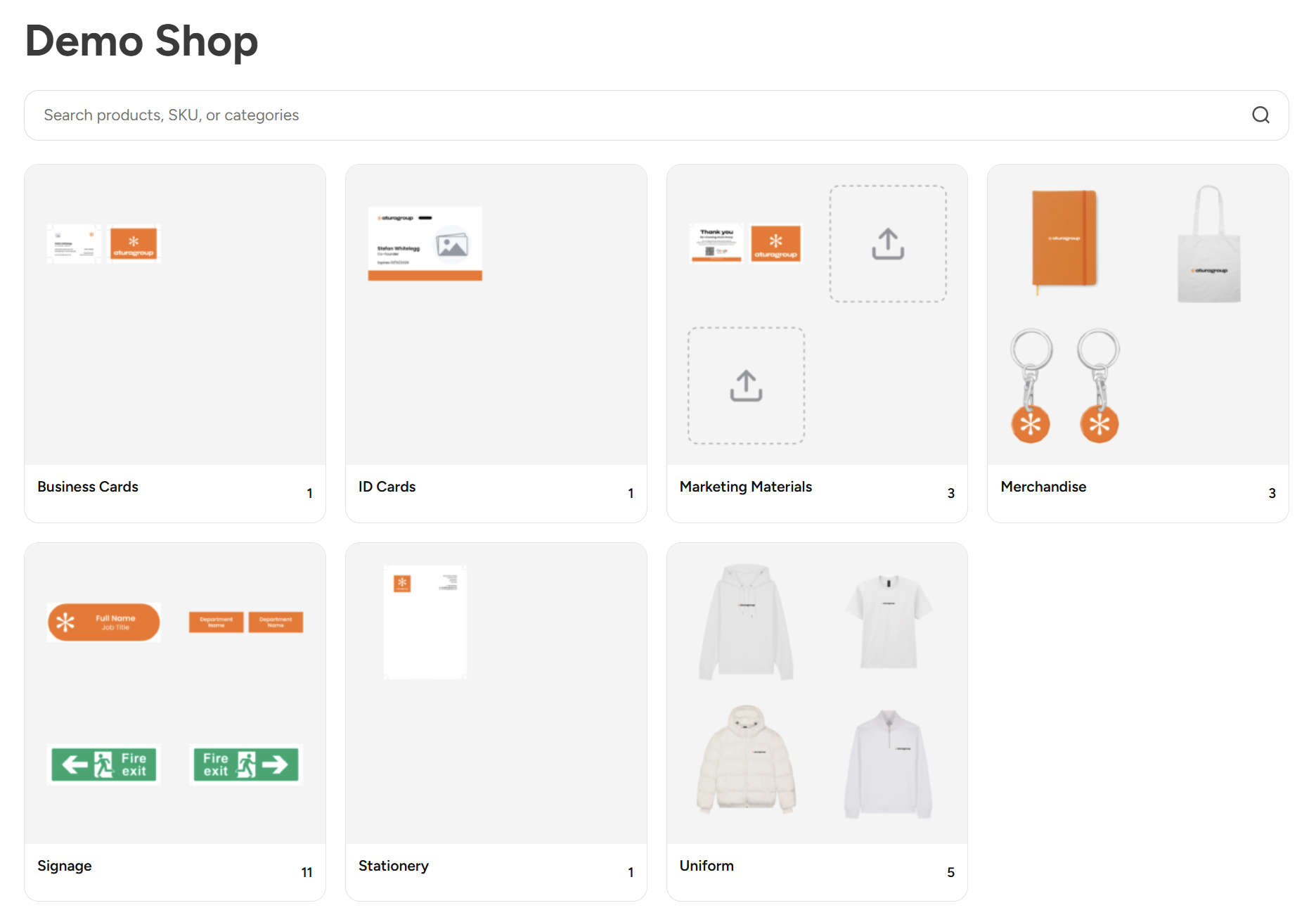
Show workwear to the teams who need it, campaign materials to marketing and location-specific products to individual venues. Control entire categories or individual products, with the option to restrict selected items to named users by email address. Fewer irrelevant products make ordering simpler and help prevent mistakes.
Set the rules once. Keep everything consistent.
Hide a category and its restrictions carry through to the subcategories and products inside it. Manage access across whole ranges without updating every item individually, helping keep your catalogue organised as products, teams and locations grow.

Put catalogue control in your team’s hands.
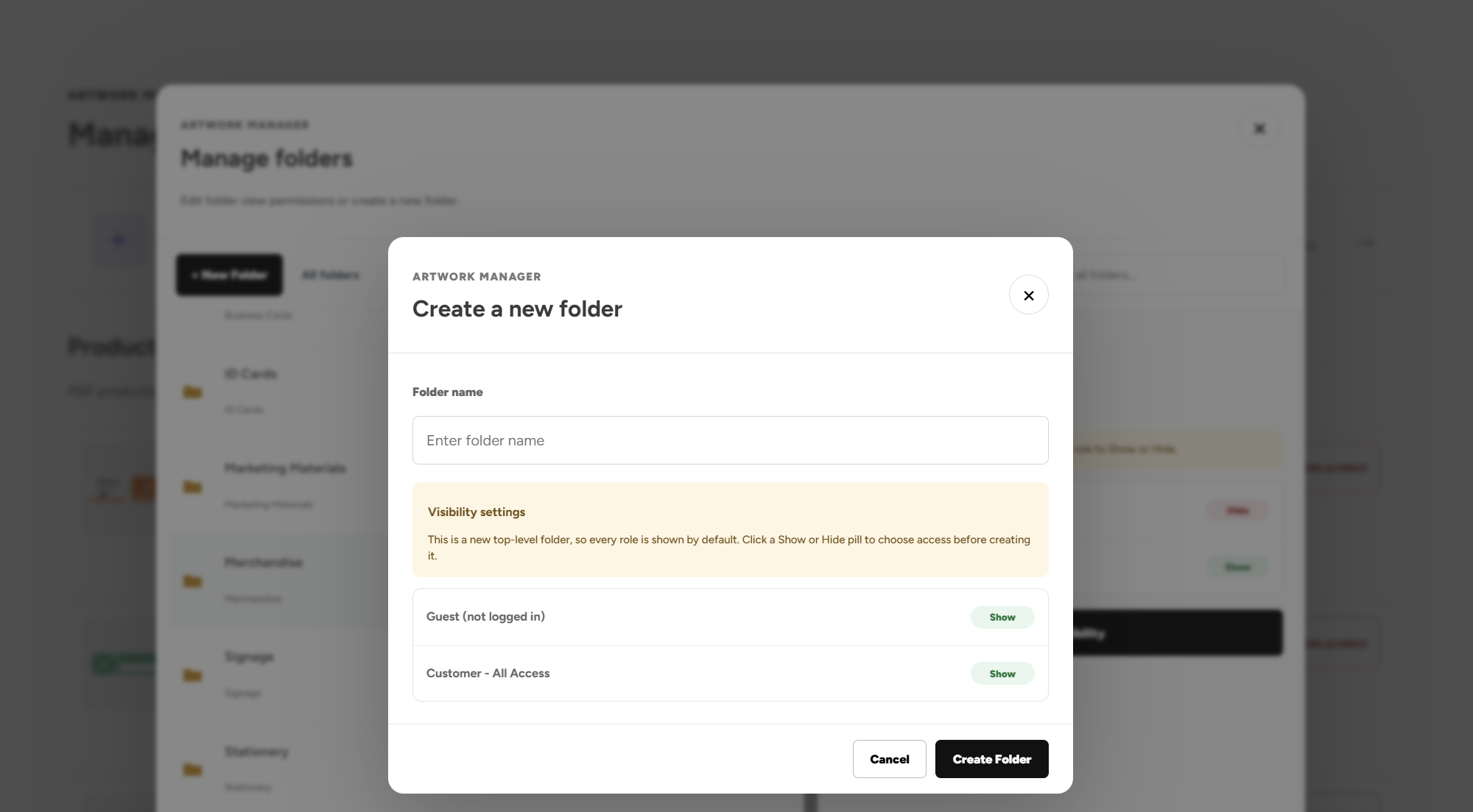
Authorised Artwork Managers can create folders and choose which user groups can see them, directly within the portal. Update folder visibility as your requirements change, giving your team control over their catalogue without needing access to the website’s back end.
Product Visibility FAQs
A Catalogue for Every Team
What is product visibility in a print ordering portal?
Product visibility controls which products and categories each person can see in your print portal. Print Portals lets you tailor the catalogue by department, venue, job role, team or individual user, helping staff find the products relevant to them.
Can different teams see different products in the same portal?
Yes. Different user groups can have different catalogue access within one portal. Marketing could see campaign materials, operational teams could see workwear, and individual venues could see location-specific products alongside any shared items they need.
Can we restrict products by department or job role?
Yes. Your portal's user groups can represent departments, job roles or other responsibilities within your business. Product and category visibility can then follow those groups, so staff see the ranges appropriate to their role.
Can each branch, venue or franchise location have its own catalogue?
Yes. Locations can be represented by user groups, allowing each branch, venue or franchise to see its own products within a shared portal. You can also make common products available across multiple locations, keeping central brand materials accessible without showing every local variation to everyone.
Can the same product be available to several teams?
Yes. A product can be available to multiple user groups. You can share commonly used products across departments or locations while restricting specialist items to the teams that need them.
Can we show a product only to specific people?
Yes. Selected products can be restricted to named users using their account email addresses. This is useful for personalised items or products intended for a small number of people. Their category access must also allow them to view the product.
Categories and Access Rules
Can we control entire categories as well as individual products?
Yes. Category rules let you manage access across a whole range, while individual product rules provide more specific control within an accessible category. This means you can organise broad permissions first, then restrict selected items where needed.
What happens when we hide a product category from a team?
That team's restriction carries through to the category's subcategories and products. Hiding a parent category therefore controls access across the range without requiring you to update every item individually.
Do new products inherit their category's visibility restrictions?
Yes. Products placed in a restricted category follow its access rules, including restrictions inherited from parent categories. This helps keep new additions consistent with your existing catalogue structure.
Can an individual product override a hidden category?
No. Category restrictions take priority. If a category is hidden from a user group, setting a product inside it to visible does not restore access. The category permissions need to allow access before the product's own visibility settings can apply.
Can someone open a hidden product using a direct link?
A direct link does not bypass the product visibility rules. If the product is restricted for that user, access to its product page is blocked. Hidden category pages are also protected against direct access.
Can we control what visitors see before they log in?
Yes. Visibility rules can also be configured for logged-out visitors. You can restrict selected products and categories for guests, then show eligible users their relevant catalogue once they sign in.
Managing Your Catalogue
Can our team manage folder visibility without using the website back end?
Yes. Authorised Artwork Managers can create folders and choose which user groups can see them directly within the portal. This gives nominated staff control over folder access without needing access to the website's back end.
Who can change catalogue folder permissions?
Folder visibility controls are available to authorised Artwork Managers. You decide which users receive that access, allowing nominated colleagues to organise the catalogue and manage folder permissions as your requirements change.
Can folder visibility change as teams and locations grow?
Yes. Authorised Artwork Managers can update which user groups can see a folder. Your catalogue can adapt as departments change, locations open or different teams take responsibility for ordering particular products.
Can we add more user groups as our business expands?
Yes. Additional user groups can be created to represent new teams, departments, job roles or locations. Their product and category permissions can then be configured to give them the appropriate catalogue access.
How does a tailored product catalogue help prevent ordering mistakes?
A tailored catalogue reduces the number of irrelevant products users need to browse. Staff can find the workwear, print and branded materials intended for their team or location more easily, helping reduce orders for the wrong design or venue.
Can product visibility work alongside manager order approvals?
Yes. Product visibility controls which products a user can access, while order approvals control whether a submitted purchase can proceed. Used together, they let staff order from a relevant catalogue while giving authorised managers oversight of orders that require sign-off.
Explore more portal features.
Discover more ways to simplify ordering and keep your brand in control.
Artwork Builder
Personalise approved designs and generate a proof, all within your portal.
Explore Artwork Builder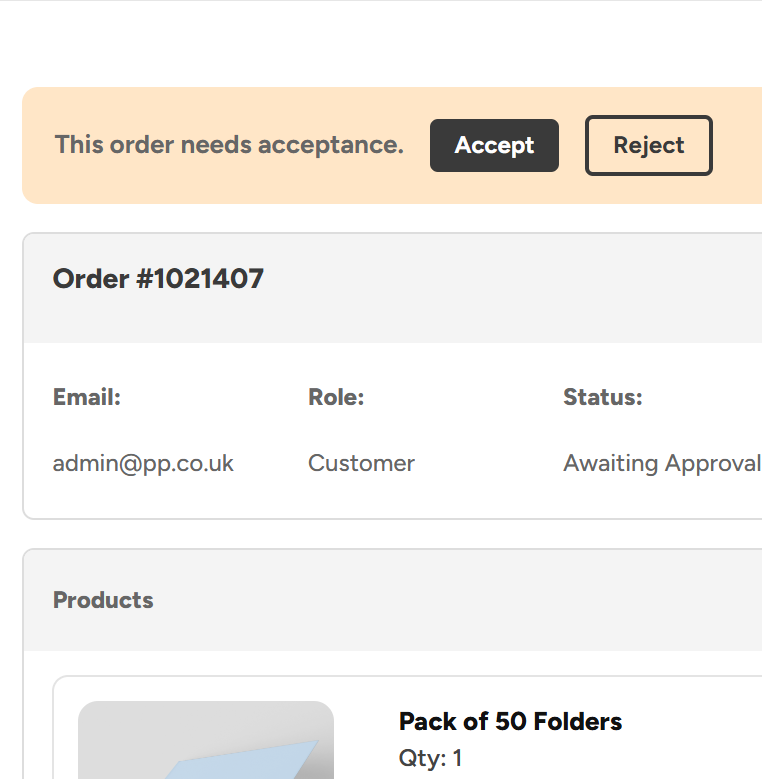
Admin Order Approvals
Keep control of spending with approval rules built around your teams, roles and business structure.
Explore Admin Order Approvals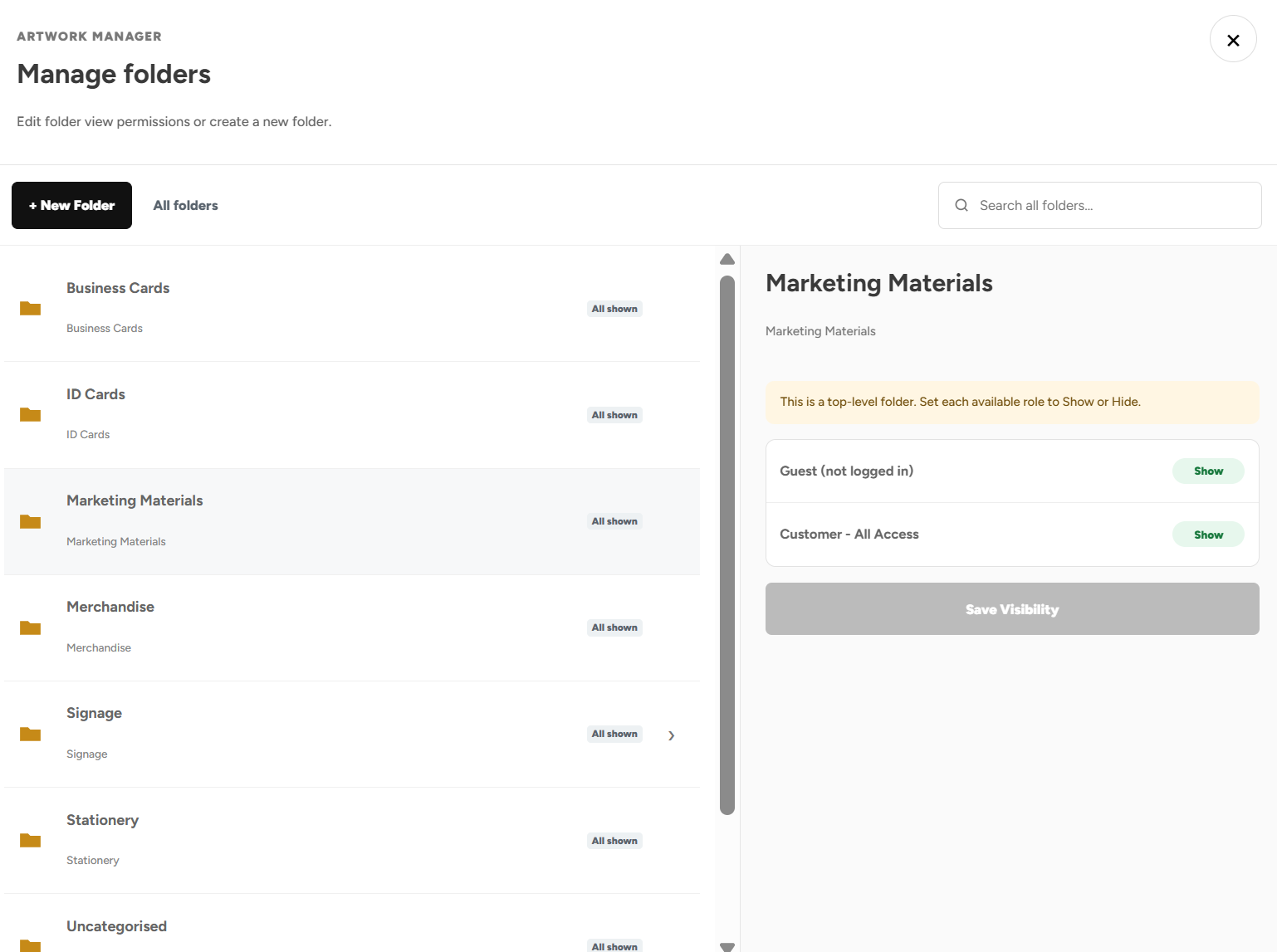
Product Visibility
Show or hide products and categories based on departments, venues, job roles, teams and more
Explore Product Visibility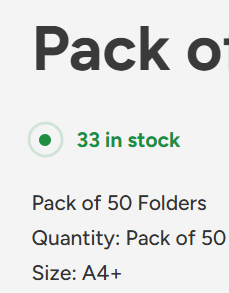
Shelf Stocking & Stock Control
See live stock levels 24/7, call off stock when needed, and save big on the products you buy regularly.
Explore Shelf Stocking & Stock Control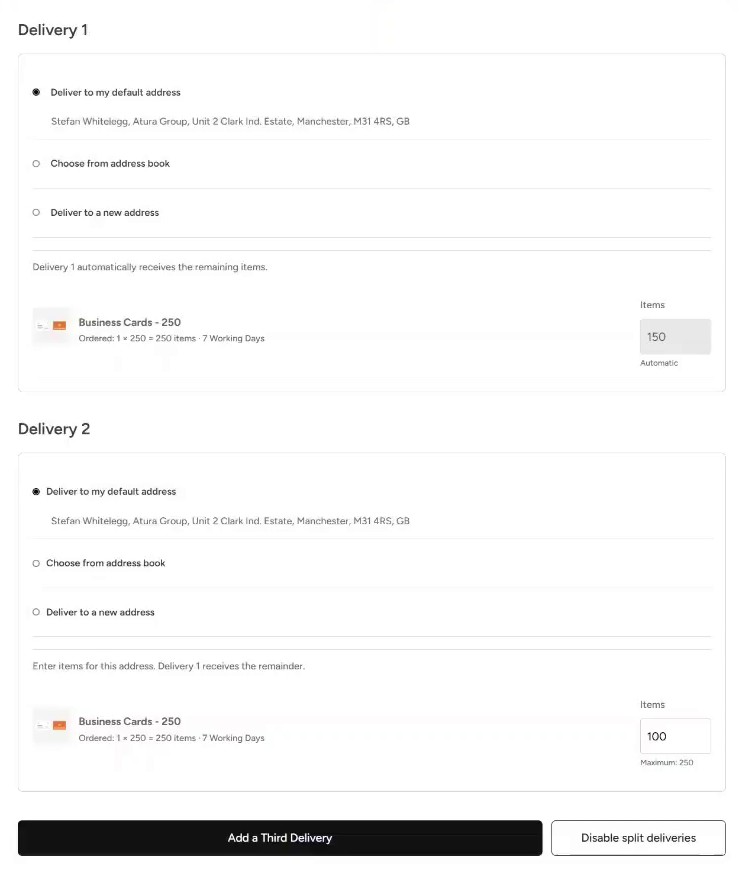
Split Deliveries
Send an order to multiple addresses directly through the portal.
Explore Split Deliveries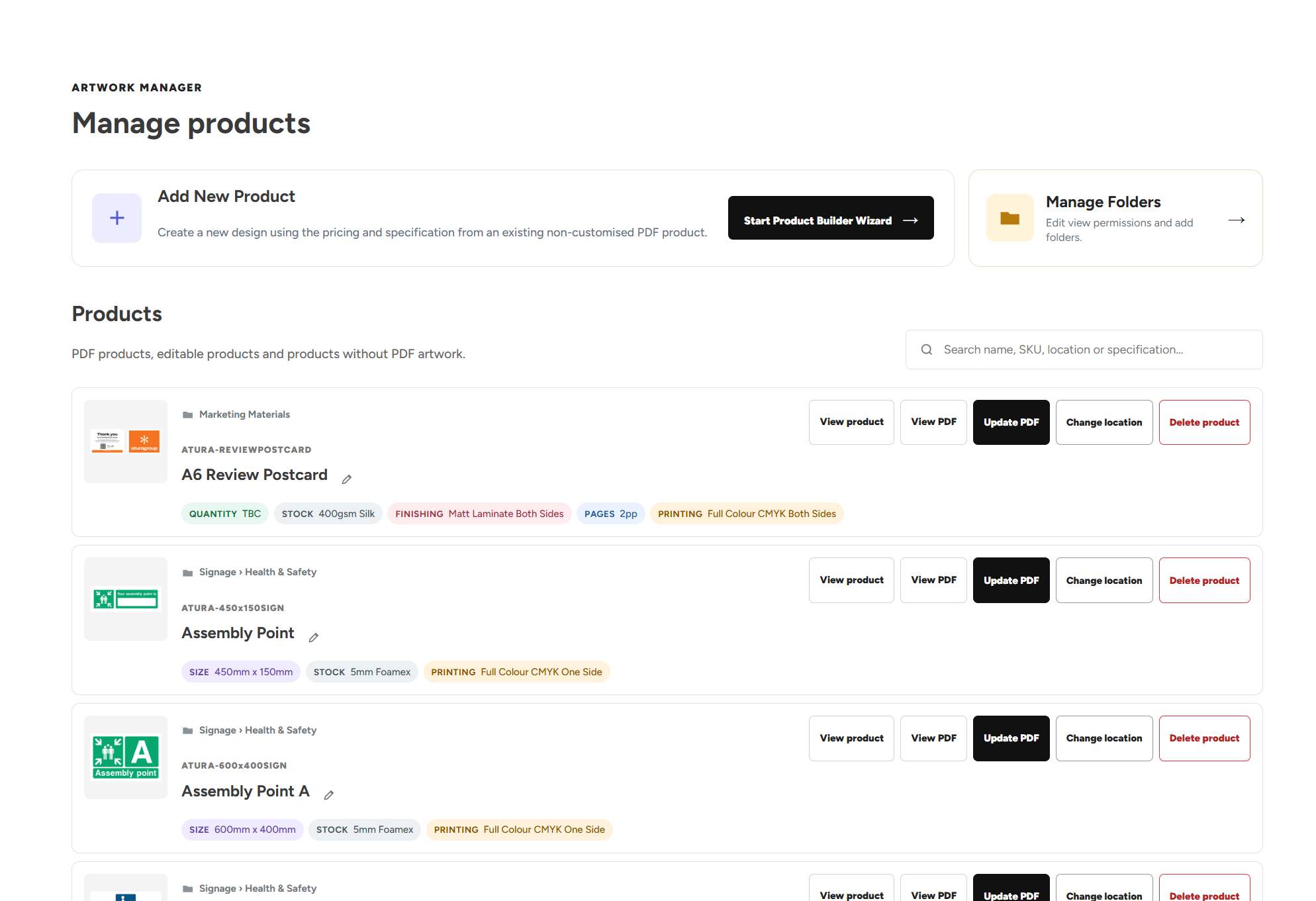
Artwork Manager
Organise your designs, update artwork, add new products and manage who can see specific products.
Explore Artwork ManagerUpload Your Own Artwork
Upload your own print ready designs and add them straight to the basket.
Explore Upload Your Own ArtworkGet Started with Your Own Print Portal
Explore more features of our print portals or get started with a free no obligation consultation.