
Web2Print Portals for Multi-site Organisations
Stop coordinating branch orders by email. Give every location one place to order approved print, signage, workwear and merchandise—with central control over artwork, spending and delivery.
More locations. Less coordination.
Bring branch ordering into one branded portal. Local teams get the materials they need, while your central team manages the catalogue and ordering rules. We handle production, stockholding and fulfilment.
One catalogue.
Keep agreed products, specifications and artwork in one place.
Local ordering.
Branches order what they need, within your permissions and approval rules.
Direct delivery.
Get materials to the right sites without arranging onward distribution yourself.
Give branches a clear place to order.
Your branch manager needs new signage. Your local team needs more leaflets. Neither should have to start by finding a supplier or asking head office which design to use.
Give each site access to the approved products relevant to it, with agreed specifications and pricing ready to order.
Keep local details right. Keep your brand consistent.
Let users update permitted addresses, contact details and other local information in approved templates. Your design rules stay in place, and users check a proof before ordering.
Your central team can maintain the current catalogue artwork without rebuilding the same materials for every location.
Keep branch spending visible and controlled.
Let routine purchases proceed while selected products, users or order values trigger approval. Managers can check the artwork, quantities, costs and destination before accepting a request.
Configure how orders are allocated to sites, teams and budgets, with reporting to help you understand who is ordering and where materials are going.
One order. The right quantities for every site.
Send 500 leaflets to one branch and 250 to another, alongside the other products each site needs. Split one order between saved addresses instead of placing separate orders or repacking materials at head office.
Review quantity checks, delivery costs and lead times before ordering. Every address and allocation stays recorded with the order.
Connect your locations with the right tools.
One ordering process, configured around your sites.
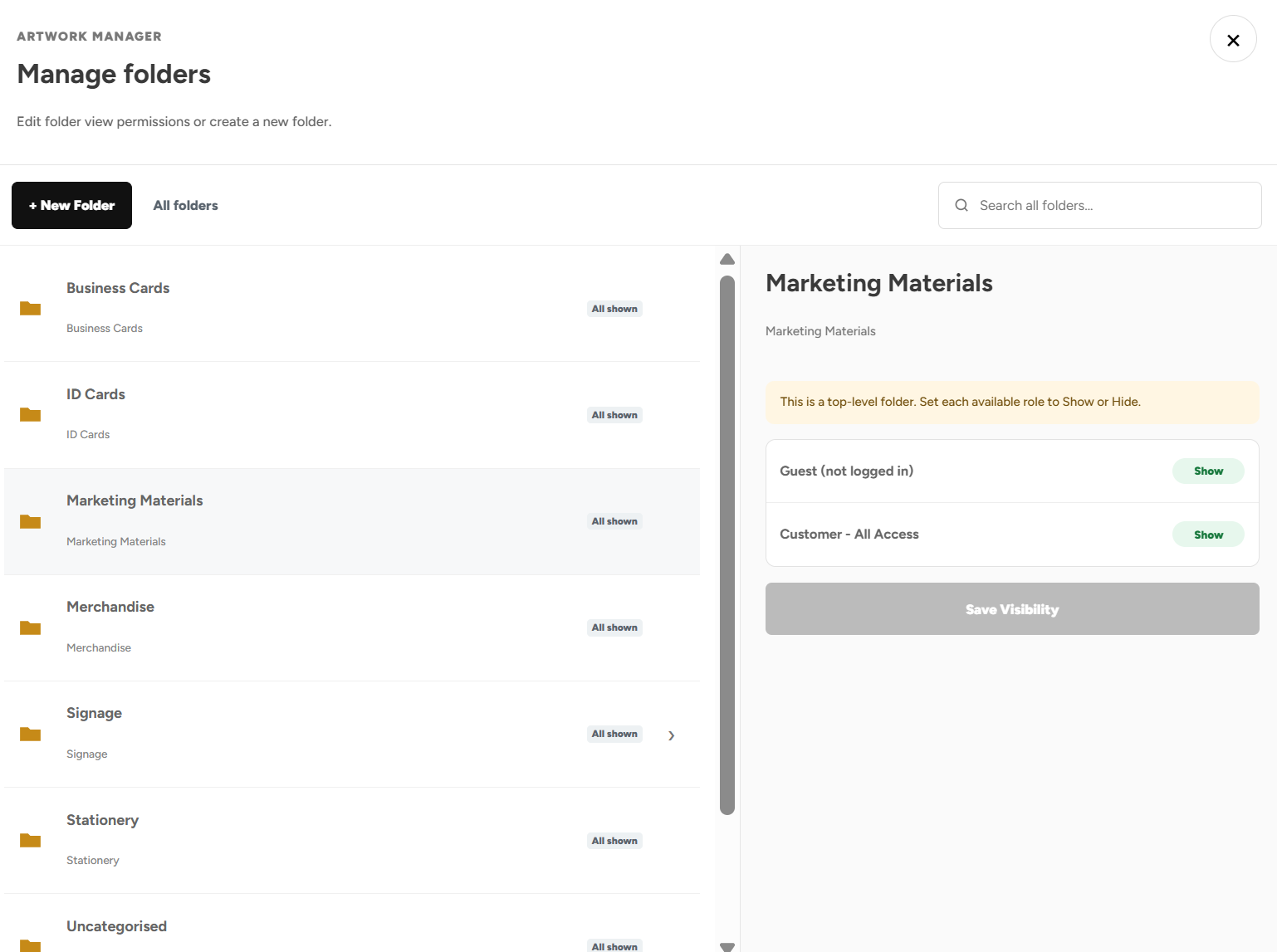
Product Visibility
Give each location access to its relevant products and approved artwork.
Artwork Builder
Personalise branch details within controlled templates, with a proof before ordering.
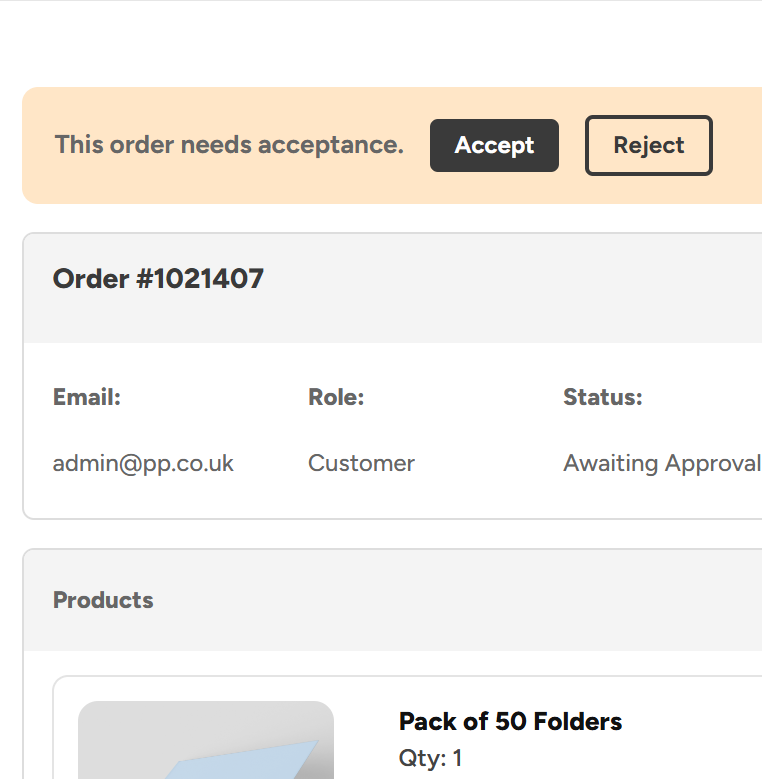
Admin Order Approvals
Route selected branch orders to the managers who need to review them.
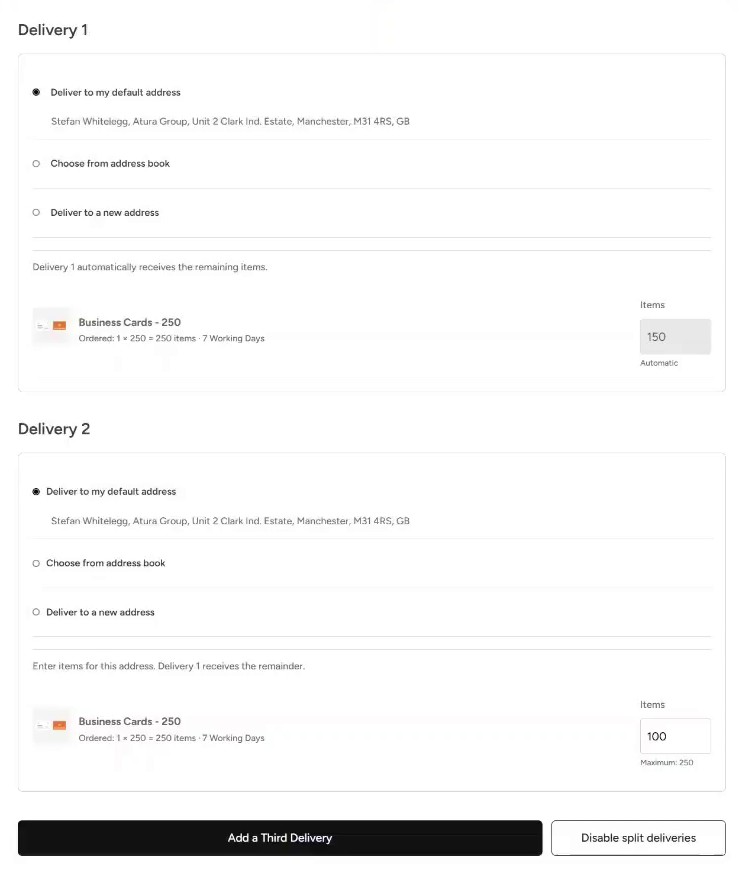
Split Deliveries
Allocate one order across your sites using saved delivery addresses.
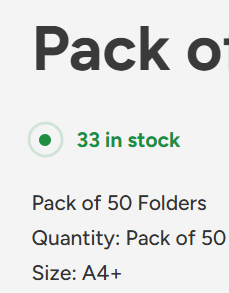
Shelf Stocking & Stock Control
Bulk buy shared materials and let sites call off stock as required.
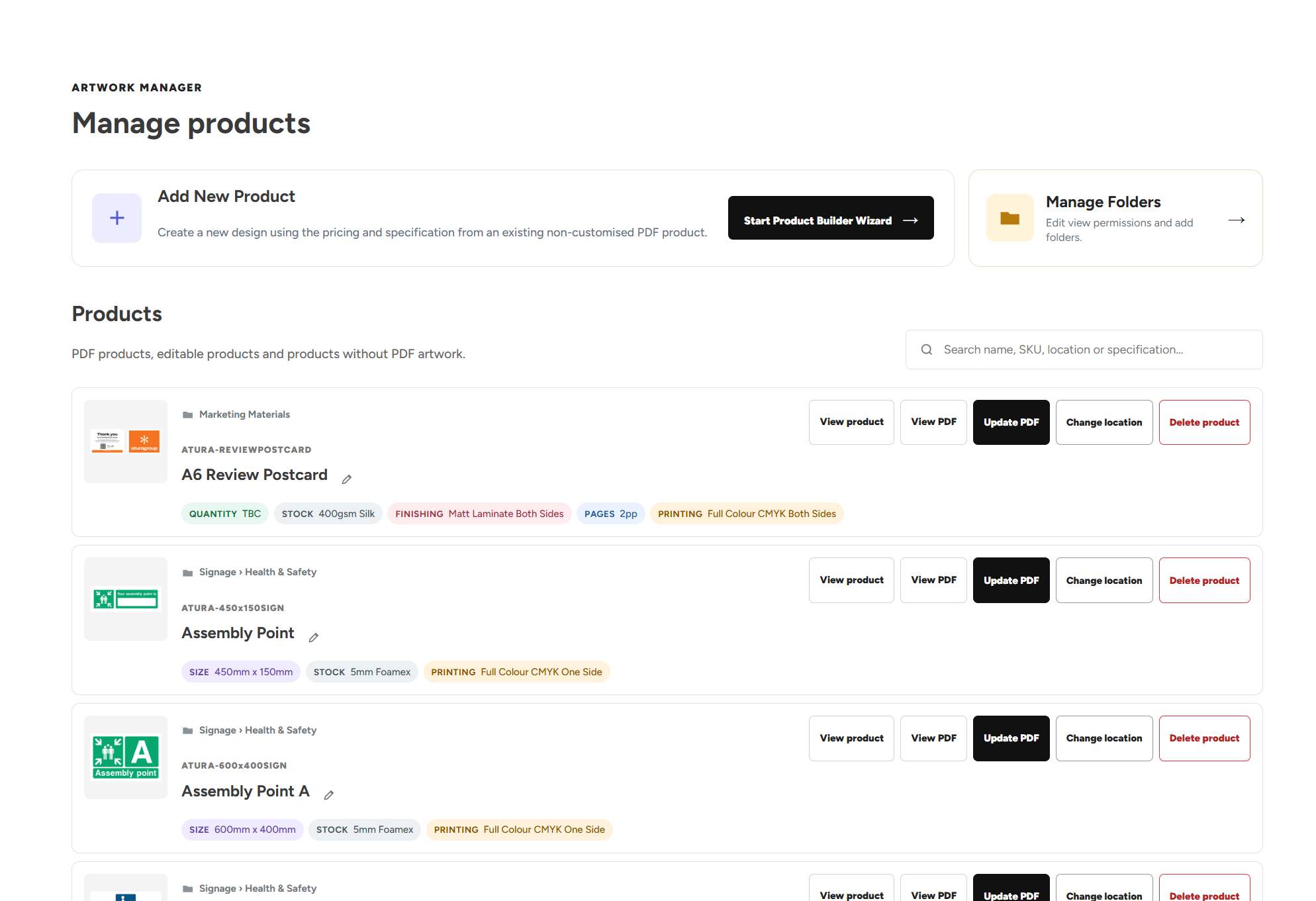
Artwork Manager
Keep catalogue designs current and organise materials for your locations.
A national campaign. One coordinated order.
An example of getting approved materials out to several branches.
Prepare the range.
Your central team adds the approved campaign materials and makes them available to the relevant locations. Local details can be editable where needed.
Allocate and approve.
Select each branch from the address book and assign its quantities. Check the artwork and delivery details, then follow your configured approval process.
Deliver and replenish.
We produce or dispatch the materials to the selected sites. Regularly used items can be held in our UK warehouses for smaller call-off orders.
Multi-site Web2Print questions, answered.
How branch ordering, budgets, artwork and distribution work through one portal.
Ordering across locations
What is a Web2Print portal for a multi-site organisation?
A multi-site Web2Print portal is a branded online ordering system that brings approved print and branded products together for your locations. Users access an agreed catalogue, personalise artwork where permitted and place orders under your rules. Print Portals connects that ordering process with production, stockholding and fulfilment, helping central and local teams work through the same system.
Can branches order print without going through head office every time?
Yes. Authorised branch users can choose from the products available to them and place their own orders. Your central team sets the catalogue, permissions and approval rules. Routine purchases can proceed automatically where configured, while requests needing a closer look stay on hold for an approver to review.
Can we combine central ordering with individual site orders?
Yes. A central team can place campaign or distribution orders for several locations, while local users order their own supplies as needed. Product access, payment arrangements and approval permissions can be configured around those different responsibilities. This allows you to centralise the catalogue without making head office responsible for placing every order.
Can different sites have different products in the same portal?
Yes. Product Visibility can show or hide categories and individual products by location, user group, role, team or named user. Sites can share common materials while retaining access to their own local products. The portal can also separate ranges for different brands or operating divisions where your organisation needs that distinction.
What materials can we manage for our branches through the portal?
Your agreed catalogue can include marketing print, stationery, signage, branded workwear, merchandise and other supported products. We review your existing specifications and purchasing requirements before establishing the range and pricing. Both centrally distributed campaign materials and products ordered regularly by individual branches can be organised within the portal.
How do we add a new location to our print ordering system?
We help establish the products, users and delivery details the new site needs. Authorised administrators can manage user accounts and permissions through Account Access, with support from our team where required. Assign the relevant product visibility and ordering rules so the new location starts with the right catalogue and approval process.
Branding and budgets
Can each branch personalise its address and contact details on artwork?
Yes. Artwork Builder templates can expose selected fields for local details while keeping other design elements controlled. A branch could enter its address, telephone number or permitted local content without changing the overall layout. Users review a proof before ordering, and customised orders can require approval if your rules call for it.
Can we check customised branch artwork before it is printed?
Yes. You can require approval for orders containing Artwork Builder customisations. The approver can review the artwork alongside the products, quantities, pricing and delivery information. Orders requiring sign-off remain on hold until accepted, helping your team catch incorrect local information or an unsuitable request before production.
Can print costs be allocated to individual sites, teams or budgets?
Your portal can be configured around the way your organisation allocates purchasing costs, including relevant sites, teams and budgets. Stock bought upfront can appear at £0 for authorised call-offs, while other products show a cost for allocation or purchase. We agree the account and payment arrangements during setup so the ordering process reflects how your business works.
Can regional managers approve orders for their own locations?
Approver access can combine user groups and product categories. That allows review permissions to be configured around locations or groups of sites, with the relevant managers checking the orders they oversee. Multiple approvers can cover the same requests, and suitable routine purchases can be configured to bypass approval where you want that flexibility.
Can head office update a design for future branch orders?
Authorised Artwork Managers can replace a catalogue product’s PDF, review the checks and approve the replacement. The new artwork then becomes available for future orders of that product. They can also organise folders and control their visibility. Updating a catalogue design does not replace artwork already attached to an existing order.
Can a regional team upload its own finished artwork?
Yes. Where the relevant product is available to them, users can upload a print-ready PDF to a preset product, review the artwork checks and preview, then add it to the basket. The checks include dimensions, page count, bleed and crop marks. Approved templates remain available where you want local edits to follow a more controlled design process.
Stock, delivery and rollout
Can we split quantities of the same product between different branches?
Yes. Split Deliveries lets you allocate the same product between addresses, or send different products to different destinations within one checkout. For example, you could assign different leaflet quantities to each branch alongside its signage or other materials. Quantity checks help account for the order allocation before you proceed, and delivery details remain recorded with the order.
Can we save our site addresses to make repeat distribution quicker?
Yes. The delivery address book lets users select saved locations rather than entering the same details for each order. They can also add a new address during checkout. For regular campaigns across the same sites, this gives the team a quicker starting point before allocating quantities and reviewing delivery costs and any additional lead time.
Can you store bulk print centrally and let branches call it off?
Suitable products can be produced in bulk and held in our UK warehouses. Authorised locations then call off smaller quantities when they need them. Live warehouse stock feeds show what is available in the portal, with low-stock notifications to support replenishment planning. This can reduce the amount of shared stock each branch needs to keep on site.
Can the portal support both UK and international delivery locations?
Yes. We can hold stock in our UK warehouses and dispatch to UK and international destinations. Tell us which locations you need to supply so we can agree the product availability, delivery arrangements and pricing. Those requirements form part of the setup rather than relying on head office to arrange onward distribution after receiving the materials.
Is there a portal subscription for each additional site or user?
Print Portals does not charge portal setup fees, an ongoing portal subscription or a per-user platform fee. Products and any applicable delivery or additional services are paid for under the agreed order arrangements. New site requirements and product ranges can be reviewed as your organisation grows, without adding a recurring portal charge for each user account.
How do we replace separate branch ordering processes with one portal?
Start by sharing the products your sites buy, the artwork they use and the problems in your current process. We work with you to agree the catalogue and pricing, then configure users, visibility, artwork templates and approval rules. We also review stockholding and delivery requirements, and help your teams become familiar with ordering before launch.
Bring your locations together. Take the admin out.
Show us how your branches order today. We’ll help you build a simpler process, with no portal setup fees or subscription.